You're standing in your gutted renovation with studs exposed and conduit runs still on the to-do list. This is the moment to decide where your home hub smart home will live — not after the drywall crew finishes. I've seen too many homeowners shoehorn a hub into a closet after move-in and regret every inch of cable management. The time to run that wire is when the studs are still singing.
A home hub smart home system means one central controller that talks to your lights, locks, sensors, and thermostats. It's the brain. If you don't plan its location, power, and network connection now, you'll be cutting drywall later — or living with a messy shelf of gadgets in your living room. Let's walk through the decisions that matter before the mud sets.

What Is a Home Hub Smart Home, and Why Does It Matter?
A classic smart home runs on individual apps per device. You open five apps to arm the alarm, dim the lights, and adjust the thermostat. A home hub smart home consolidates that into one interface — voice, app, or automation rules. The hub processes commands locally or in the cloud and makes everything work together. Examples include Hubitat Elevation, Home Assistant on a Raspberry Pi, Samsung SmartThings, or an old PC running open-source software.
Why plan for it during renovation? Because the hub needs three things: a wired Ethernet connection for reliability, permanent power (preferably on a dedicated circuit or UPS), and a central location that covers the whole house with Z-Wave, Zigbee, or Thread radios. You can't easily add Ethernet or move power after the walls are sealed. Trust me — I've cut this drywall open twice for a hub relocation. Don't be that guy.
Wiring for Your Smart Home Hub: Central vs. Distributed
You have two approaches to hub placement: one central hub or multiple distributed hubs. For most homes under 4,000 square feet, one central home hub smart home controller works if you install it where radio signals can reach. That usually means a utility room, a closet near the center of the house, or a dedicated low-voltage cabinet. Run at least two Cat6 cables from that spot to your network switch. One for the hub, one spare. Also, run a dedicated 15-amp circuit with a UPS outlet. The hub should never lose power during a brief outage.
For larger homes or homes with concrete walls, you might need multiple hubs. In that case, run conduit from each hub location back to a central wiring closet. Conduit is cheap during rough-in — 1-inch EMT or Smurf tube. Pull the cables later. This lets you add more hubs as needed without opening walls. Write down exactly where every cable runs. Label them. Take photos. Future you will thank you.
Choosing the Right Hub Hardware for Your Renovation
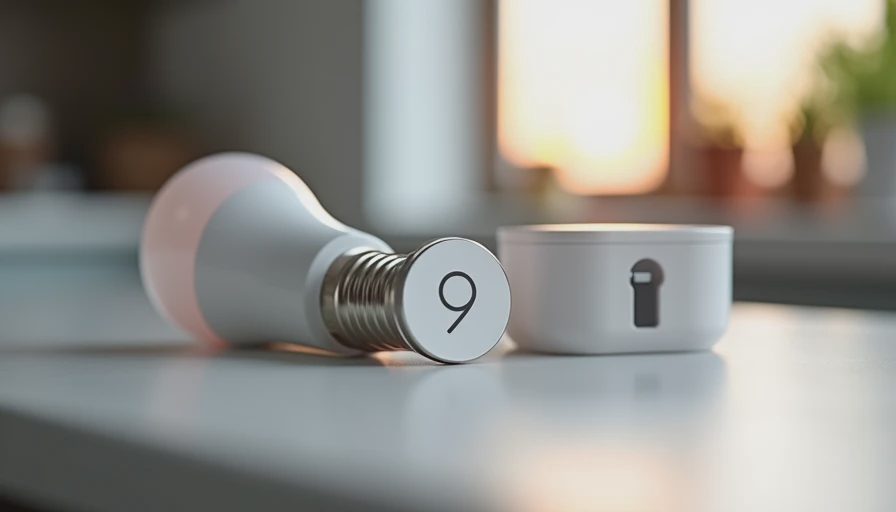
Don't pick a hub based on today's device list. Pick one that will scale with your home hub smart home plan for the next five years. Hubitat Elevation runs local processing — no cloud dependency, fast response, and works if the internet goes down. It supports Z-Wave and Zigbee natively. Home Assistant is more flexible but requires a dedicated computer or a Raspberry Pi 4 (with a solid SSD, not an SD card). Samsung SmartThings has a new hub with Matter support, which future-proofs you as more devices adopt the standard.
I recommend installing a network rack or structured media enclosure near your hub location that can hold a PoE switch, a UPS, and your hub. Run low-voltage power for devices that need it. Consider adding a USB outlet for charging battery-operated sensors. These little details make your home hub smart home setup feel professional, not improvised.
Common Pitfalls in Hub Placement and How to Avoid Them
Here are mistakes I see in every renovation forum: putting the hub in a metal electrical closet (Kills Z-Wave signal), placing it near large appliances (radio noise), or forgetting to leave slack in the Ethernet cable for future moves. Also, don't install the hub in a garage unless you run climate-controlled power — extreme heat or cold can crash a hub.
Another pitfall: not planning for the hub's user interface. A home hub smart home should have a dedicated tablet or wall-mounted display. Run power and a data cable to a spot in the kitchen or hallway where you can mount a tablet. That becomes your dashboard. Without it, you're back to relying on the phone app — which misses the point.
Finally, think about the future. The home hub smart home standard is shifting to Matter and Thread. If you run conduit with pull strings, you can swap out any hub hardware in a few years without tearing into the wall. Plan for obsolescence, and you'll never have to cut that drywall again.
Now go talk to your electrician about these details before they button up the walls. Ask them to leave extra length on every cable and install a few empty conduits. Your smart home will thank you.





No letters yet — pray write the first.