Planning Smart Home Systems for Your Renovation: A Pre-Drywall Guide
Here's what you need to know about smart home systems before the drywall crew shows up. Trust me — I've cut this drywall open twice to add a wire I should have run in the rough-in stage. Whether you're building from scratch or gutting a room, the decisions you make before the insulation goes in will determine how smooth your smart home experience is for the next decade. Think of it as the backbone that carries everything from lighting controls to security cameras. Getting it right now saves you headaches, patches, and rewiring costs later.
Why You Need to Plan Smart Home Systems Before Drywall
The biggest mistake I see in renovation forums is homeowners buying a bunch of smart devices and then trying to retrofit them into finished walls. You can put a smart bulb in any socket, but real smart home systems — wired lighting controls, motorized shades, whole-home audio, security sensors — need cables that must be run when the studs are exposed. Once drywall is up, adding a single Cat6 drop costs ten times as much and leaves a scar on your paint. Plan your smart home systems before the drywall, and you'll have a clean, reliable setup that works without Wi-Fi dropouts or battery changes every six months.
Another reason to plan early: you can centralize your equipment. Instead of a hub in every room, you run all low-voltage wires back to a structured media cabinet. This keeps your smart home systems organized and makes troubleshooting easier. I learned this the hard way after my first renovation, when I had five different hubs scattered around the house. Talk about a rat's nest.
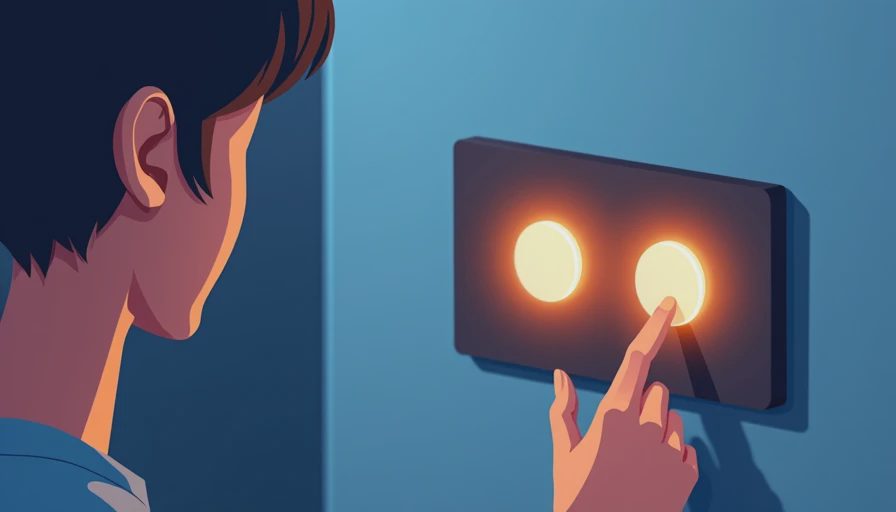
Key Wiring Decisions for Smart Home Systems
Let's talk specifics. For lighting controls, Lutron's RadioRA 3 is a common choice. It uses a wired communication backbone that's rock-solid. You'll need to run 4-conductor low-voltage wire from each keypad or dimmer location back to the main processor. If you're using standard smart switches like those from Leviton or GE, they still need a neutral wire — something many older homes lack. Make sure your electrician runs neutrals to every switch box, even if you think you'll never use them. Trust me, you will.
For networking — the backbone of all modern smart home systems — run at least two Cat6a cables to each room where you'll have a TV, computer, or access point. Why two? One for data, one for future use. Also run a dedicated line for Wi-Fi access points on the ceiling. These are often overlooked but make a huge difference for video streaming and video calls. And don't forget the doorbell location. A single Cat6 there powers a smart doorbell and eliminates the need for rechargeable batteries.
Security and cameras are another reason to wire early. PoE (Power over Ethernet) cameras are becoming the standard for reliable, high-resolution surveillance. Run Cat6a from the camera locations back to a PoE switch in your structured media cabinet. This also works for motion sensors and glass break detectors. Plan the cable paths so they avoid electrical lines — interference is real, especially for analog sensors.
Choosing a Central Hub Location for Your Smart Home Systems
Your smart home systems need a brain, and that brain needs a clean, ventilated space. A structured media cabinet (often called a smart panel) is ideal. Install it in a utility closet, basement, or garage — somewhere accessible but out of the way. Size it to handle a patch panel for all your Cat6 cables, a PoE switch, a router, and possibly a control processor like a Control4 controller. Make sure there are AC outlets nearby and a conduit run to the attic or crawlspace for future wires. I install a 2-inch conduit from the panel to the attic for exactly this reason — I can pull new cables later without cutting drywall.
Your hub location also affects wireless performance. If you're using a Zigbee or Z-Wave controller, place it centrally in the home. But since you're running wires, consider using a wired protocol like Lutron Clear Connect or a Thread-based system for reliability. Smart home systems that rely entirely on Wi-Fi can bog down your network. By mixing wired and wireless, you get the best of both worlds.
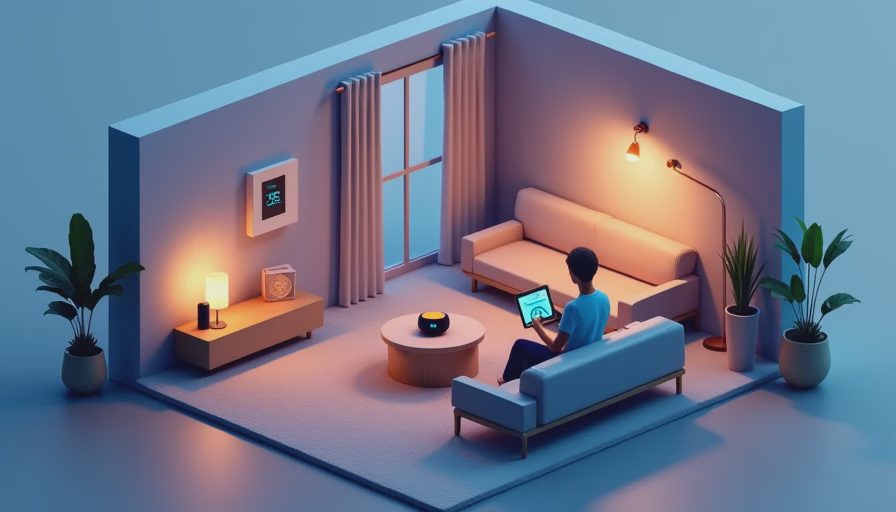
Future-Proofing Your Smart Home Systems with Conduit
One piece of advice I give everyone: install empty conduits from your main panel to key locations. Even if you have no idea what will go there in five years, a 1-inch conduit behind the wall gives you the ability to pull fiber optic, HDMI, or new sensor cables without tearing open drywall. I ran four conduits in my last renovation — one to the media center, one to the attic, one to the garage, and one to the front door. So far I've used all but one. The garage conduit let me add an EV charger control wire later, and the attic conduit made it easy to install a Ubiquiti outdoor access point. Future-proofing is cheap when the walls are open, expensive when they're closed.
Another future-proof tip: label every cable at both ends before the drywall goes up. Use a label maker with heat-shrink labels. This simple step saves hours of tone-and-probe time later. Write down what each cable is for in a notebook or a digital file stored in the cloud. I keep a Google Doc with my wiring diagram and update it every time I add something. It's saved me twice now.
Bringing It All Together: Your Smart Home Systems Checklist
Before the drywall crew arrives, run through this short list. Confirm neutrals at every switch location. Run Cat6a to every room, plus ceiling AP drops, camera locations, and doorbell. Install a structured media cabinet with AC outlets and a conduit to the attic. Label every cable. If you have a specific smart system in mind, like Control4 or Crestron, download their wiring guidelines and share them with your electrician. They often require specific wire types or distances. Smart home systems are only as good as the infrastructure behind them. Plan ahead, and you'll enjoy a seamless, professional-grade setup for years.
Got questions about your specific renovation stage? Drop them in the comments — the community here has seen it all.





No letters yet — pray write the first.